
Established character
Start from the name, role and facts you provide.
A personal rival. A history that matters.
Give an established character a personal rival, with shared history, recurring triggers and believable ways the relationship could change.

A recurring personal foil
Give the character a rival with motives and story value.
Start from the name, role and facts you provide.
Choose a relationship that suits the character.
Explain how the rivalry began.
Suggest ways the relationship could change.
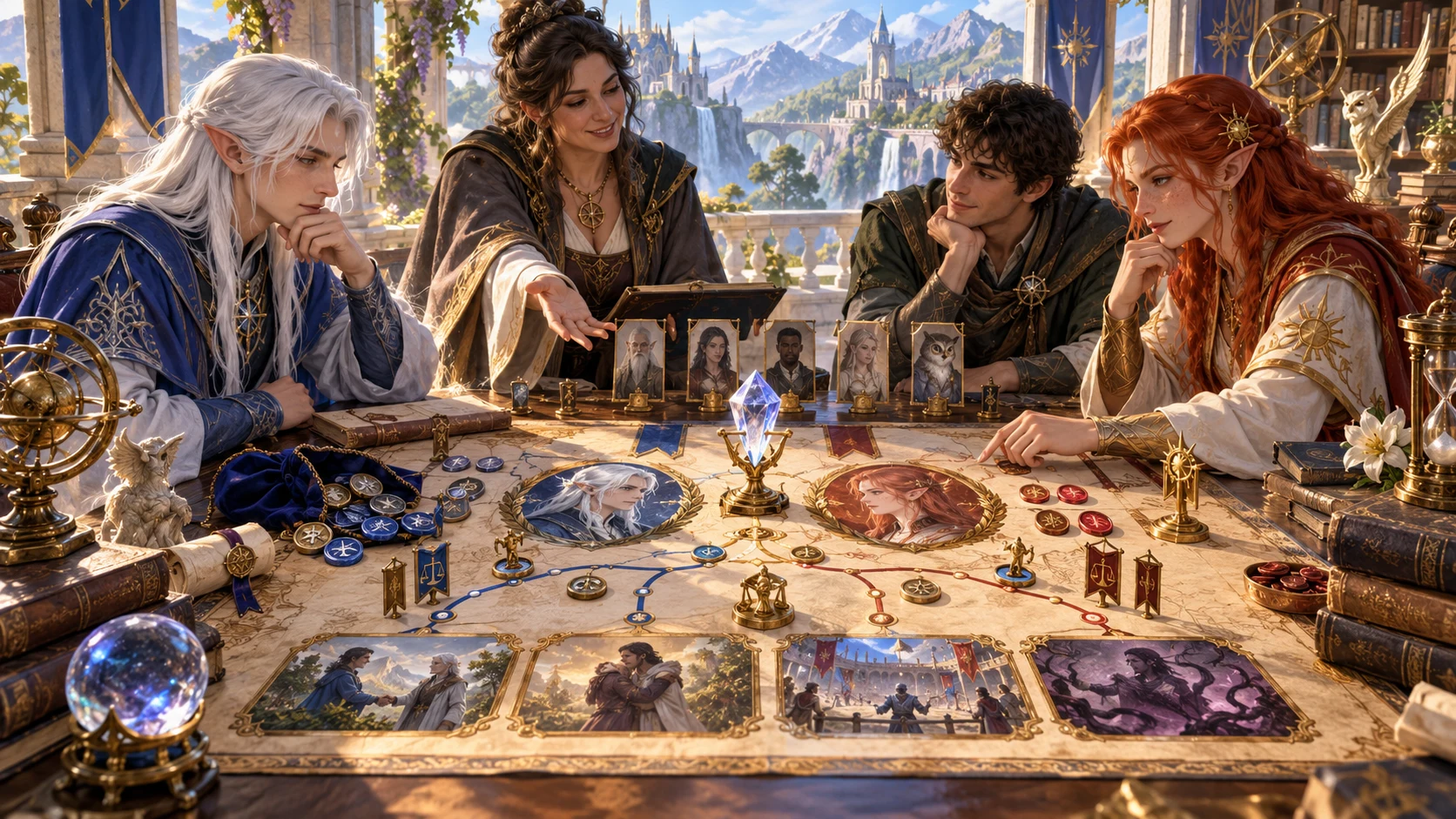
Give the rivalry a shared origin
The illustration represents rivalry preparation, not an application screenshot.
Describe the character, role, established facts, tone and intensity.
Add rival kind, origin, things to avoid and private context.
From established facts to future possibilities
Prepare a relationship that can recur at the table.
Enter name, role and true details.
Choose tone and one of six intensities.
Choose rival kind and how it began.
Consider triggers, table cues, hooks and tips.
The personal rivalry workspace
Develop two recurring triggers, two hooks and two roleplaying tips.
Build a recurring foil for an established character.
Choose friendly competition through legendary rivalry.
Connect the rival to supplied character facts.
Show what keeps setting the rivalry off.
Prepare table cues and an observer.
Use two story hooks and two roleplaying tips.
Lock, change and edit sections, save versions and reopen.
Copy, export JSON or print the reviewed DM or player view.
Quick foundation and deeper history
Use the details that make the rivalry fit your campaign.
Set name, established details, role, intensity and tone.
Choose the kind of foil that fits.
Describe childhood, admiration, loss or another starting point.
Add a true fact, things to avoid and private notes.
Refine a relationship worth revisiting
Keep the rivalry useful as the campaign develops.
Change and edit the details you need.
Keep established sections while refining others.
Save rivalries and explore variations.
Revisit origin, triggers, hooks, tips and possible change.

A personal rivalry ready for the table
Review the rival, shared origin and two recurring triggers.
Use table cues, observers, two hooks and two roleplaying tips.
Review possible change, private context and selected DM dossier or character note before sharing.
A personal foil. A player’s choice.
Prepare story value without deciding reactions or outcomes.
The player answers, avoids or reshapes the rivalry.
Do not dictate hatred, violence or defeat.
Create a relationship without mechanics or penalties.
Review selected notes and private context before sharing.
Generator access and pricing
Choose access for this selected generator or an eligible pack.
Review current standalone access and pricing.
Check whether a current pack includes this generator.
Use your account to review premium product access.
Create a free VISINVOKE account; premium access remains separate.
VISINVOKE means value
Bring established facts, shared history and open choices together.

Prepare one rival who fits the established character.
Connect the origin to true character details.
Save versions and revisit the relationship later.
Suggest change while leaving choices to the player.
Explore your VISINVOKE workspace
Each card opens its own product website. Review purpose and access separately; related products do not promise included access or automatic synchronisation.

Open your VISINVOKE desktop products.

Prepare a live exchange after an established social mistake.

Build the wider setting around your campaign.

Develop the places your party travels through.

Explore separate adventure environments.

Explore separate fantasy image creation.
Product artwork is illustrative, not application screens or actual generated image output.
Quick answers
Understand origins, intensities, triggers, story hooks and reviewed notes.
Create one personal rival and the relationship between them and an established character. Prepare an origin, two recurring triggers, how it appears at the table, who notices, two story hooks, two roleplaying tips and a possible way the relationship could change.
Choose friendly competition, running contest, real rivalry, bitter rivalry, dangerous rivalry or legendary rivalry. Set tone and intensity without forcing hatred, violence, defeat or a particular character response.
Choose a fellow adventurer, relative, former friend, scholar or mage, competing heir, champion, trade rival or admirer turned rival. Use the character’s name, established facts and role to make the origin fit.
Quick preparation uses the character’s name, true details, role, intensity and tone. Deep preparation adds rival kind and an origin such as childhood, hard times, admiration, a loss, old success or an accident, plus an established fact, things to avoid and private context.
Lock, change and edit individual sections. Save versions, duplicate a result to explore a variation and reopen rivalries with origin, triggers, table cues, observers, hooks, tips and possible change. Copy, export as JSON or print the full Dungeon Master dossier or player-facing character note. Review private context and the selected view before sharing.
No. The player chooses how the character answers, avoids or reshapes the rivalry. It applies no mechanic or penalty and sends nothing to Combat Pro. It prepares one personal rival rather than a rival adventuring party, an NPC grudge, an unexpected friendship or a combat encounter. Open it from Desktop Command Centre’s Generators collection and review current account access.
Continue in VISINVOKE
Create a free VISINVOKE account and review current generator access.
Use your account installer page for Desktop Command Centre.
Open Rivalry Generator from the Generators collection.